Start here
New school: Getting started or the setup wizard.
Getting started
Account, school, year, first scores.
Read →Accounts & permissions
Staff, join codes, seats, grade limits.
Read →School setup
Categories, scale, report defaults.
Read →Years & enrollments
Years, terms, year enrollments.
Read →Courses & gradebook
Courses, units, patterns, enroll.
Read →No-grade & hours
Credit without %, hour logs.
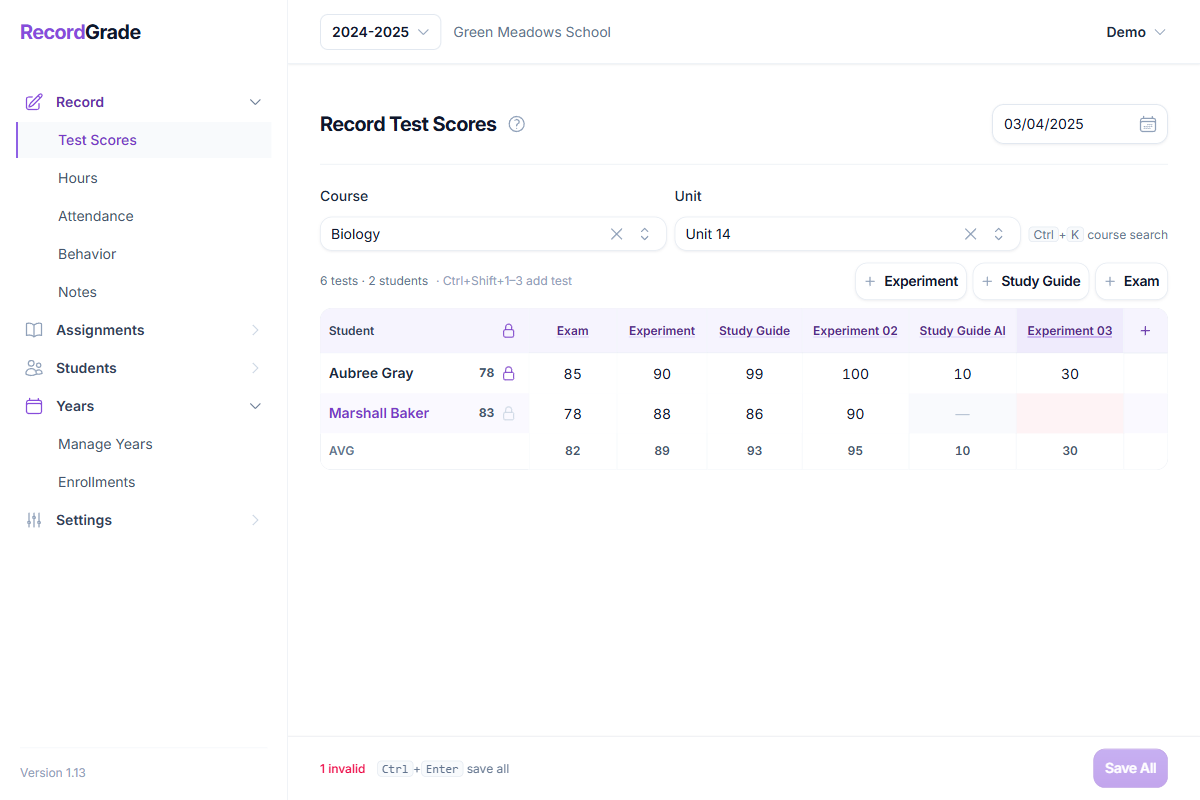
Read →Recording test scores
Grid entry, lock, skip.
Read →Attendance
Daily marks and optional import totals.
Read →Behavior & notes
Term ratings and comments.
Read →Students & academic views
Roster, grades, transcript, permanent record.
Read →Reports & transcripts
Report cards and PDFs.
Read →Graduation & projections
Credit requirements and multi-year plans.
Read →Lesson planning
Plans, schedules, calendar.
Read →Manual entry & imports
Two migration paths for prior history.
Read →Keyboard shortcuts
Grade and hour entry.
Read →Setup wizard
In-app setup checklist.
Read →Changelog
Release notes.
View →
How pieces fit together
- School — users, categories, scale, report defaults, billing.
- School year — dates and terms (quarters/semesters).
- Year enrollment — student is in that year at a grade level.
- Courses — graded courses (units/tests) and no-grade courses (credit/hours).
- Course enrollment — student is in a course for the year.
- Daily work — scores, hours, attendance, behavior, notes, lessons.
- Print — report cards, transcripts, permanent records.
If someone is missing from a list
Check year enrollment first, then course enrollment, then the teacher’s grade-level limits.
Looking for edge cases?
Each guide ends with Common questions—retakes, mid-year term changes, attendance with only absences, diploma snapshots, deleting data, and more. Start with the topic that matches your screen, or jump to: